I get asked about crawl budget more than almost any other technical topic, usually by someone running a site with a few hundred pages. My answer is nearly always the same: it isn't your problem. Google says the same.
What crawl budget actually is
For each site, Google balances how much crawling your server can handle without slowing down against how much it wants to crawl, based on how popular and fresh your pages are. Together those set how many URLs it fetches.
When it matters
Google's guide to crawl budget is written for large site owners and describes three situations:
- Very large sites, on the order of a million or more unique pages, with content that changes regularly.
- Medium or large sites, ten thousand pages or more, with content that changes daily.
- Sites where a big share of URLs sit in Search Console as Discovered, currently not indexed.
If your site is smaller than that and new pages usually get crawled within a few days of publishing, you can stop worrying.
The exception: sites that generate URLs
A site can have 2,000 real pages and two million URLs. That happens with faceted navigation, where every combination of filters becomes an address:
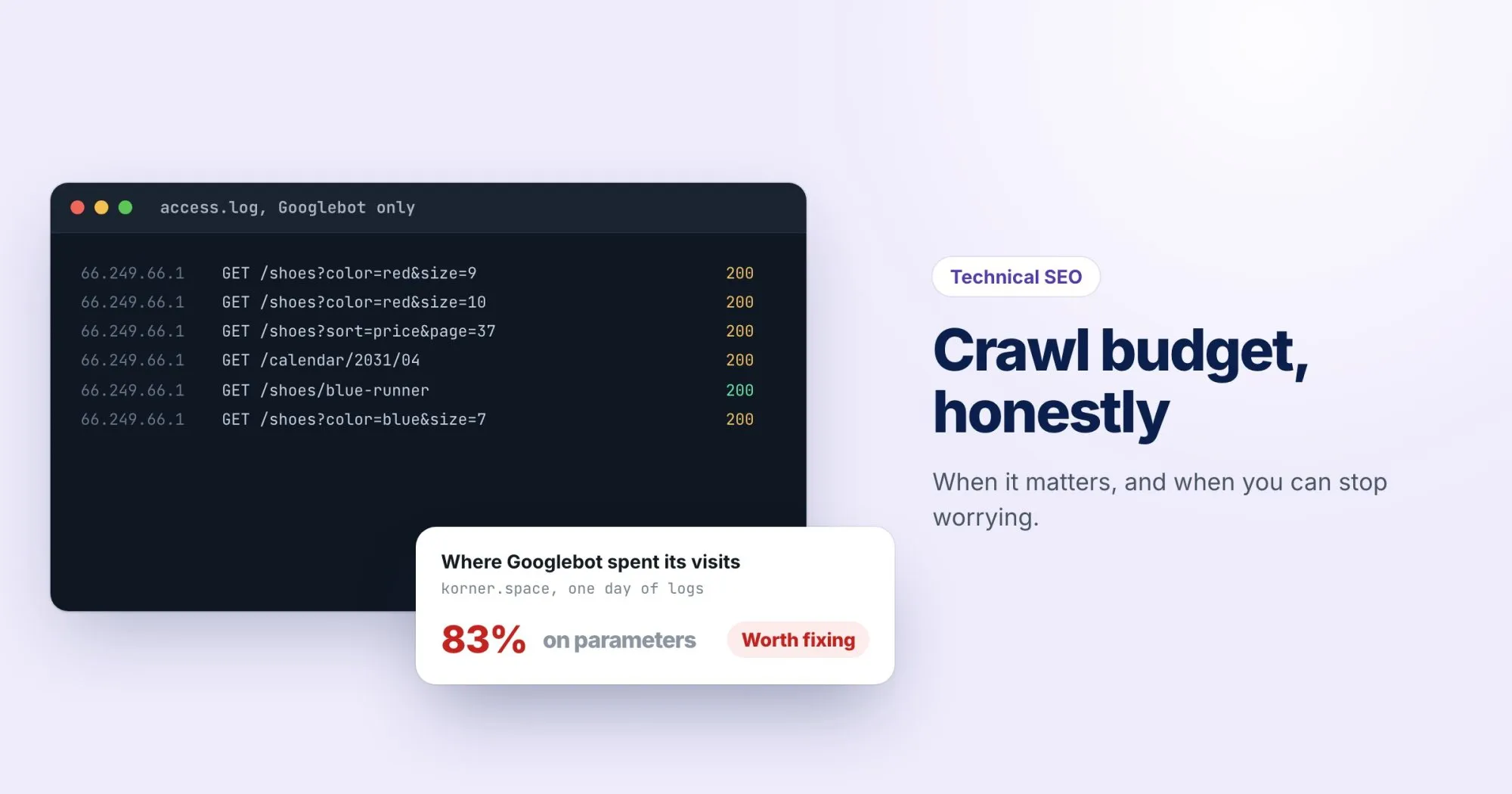
/desks?color=oak&height=adjustable&sort=price&page=4Four filters with a few options each, plus sorting and pagination, and an online shop like korner.space can produce more URLs than anyone could count. Googlebot can spend its time there instead of on your new products. That's when a small site does need to care.
What wastes crawling
- Faceted navigation and sort parameters, as above.
- Infinite spaces, such as a calendar with a "next month" link that goes on forever.
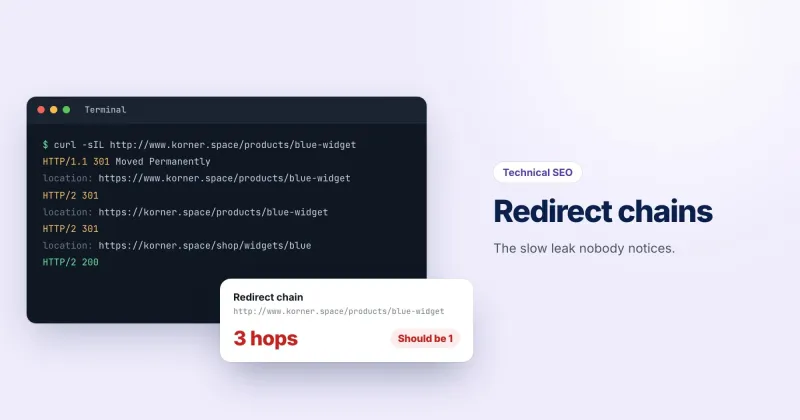
- Redirect chains, where each hop is a separate fetch. Our post on redirect chains covers them.
- Soft 404s: missing pages that answer 200 keep getting recrawled. Alex's post on soft 404s covers the fix.
- Duplicate URLs: session IDs, tracking parameters, and the same page with and without a trailing slash.
How to see what Googlebot is doing
Search Console's Crawl stats report
It lives under Settings, where few people look. It shows total crawl requests over time, average response time, and breakdowns by response code, file type and purpose (discovering new URLs versus refreshing known ones). A rising response time with falling requests suggests your server is the bottleneck.
Your server logs
Logs show every URL Googlebot actually fetched, which is the only way to see where its time goes. Filter to verified Googlebot first: anyone can put "Googlebot" in a user agent. Google publishes its crawler IP ranges, and you can also check with a reverse DNS lookup that resolves to googlebot.com or google.com, then a forward lookup that matches the IP. Then group the fetched URLs by pattern. If half the requests are hitting ?sort=, you've found your leak.
Fixes that work
- Block parameter patterns in robots.txt that should never be crawled, such as sort orders. This is the one tool that actually prevents fetching. A
noindexpage still has to be crawled for Google to see the tag. - Stop linking to crawl traps. Link only to the filtered views you'd want in search, and give calendars and similar sequences an end.
- Return real 404s and 410s for pages that are gone.
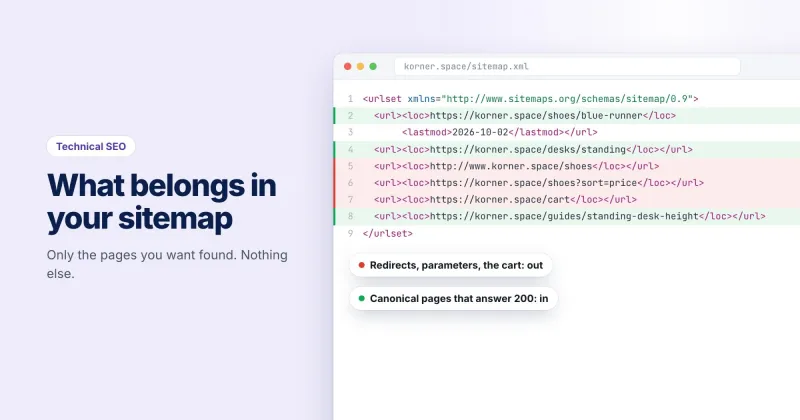
- Keep your sitemap to final, indexable URLs only, with accurate
lastmoddates. - Make the server fast.
You can test a robots.txt rule against a specific URL with our free robots.txt tester before you deploy it.
The short version
Small site, clean URLs, pages indexed promptly: skip it. Large site, or a site that spins out URLs from filters and parameters: open the Crawl stats report this week, and look at your logs next. If you'd like a list of which internal URLs redirect or break, a WebRankPage site crawl on the Agency plan counts both.