If you've ever opened the Pages report in Search Console and found a pile of URLs marked Soft 404, you've probably wondered what you did wrong. The label is confusing, because those pages often look perfectly normal when you visit them.
Here's what's going on, and how to clear them up.
What a soft 404 is
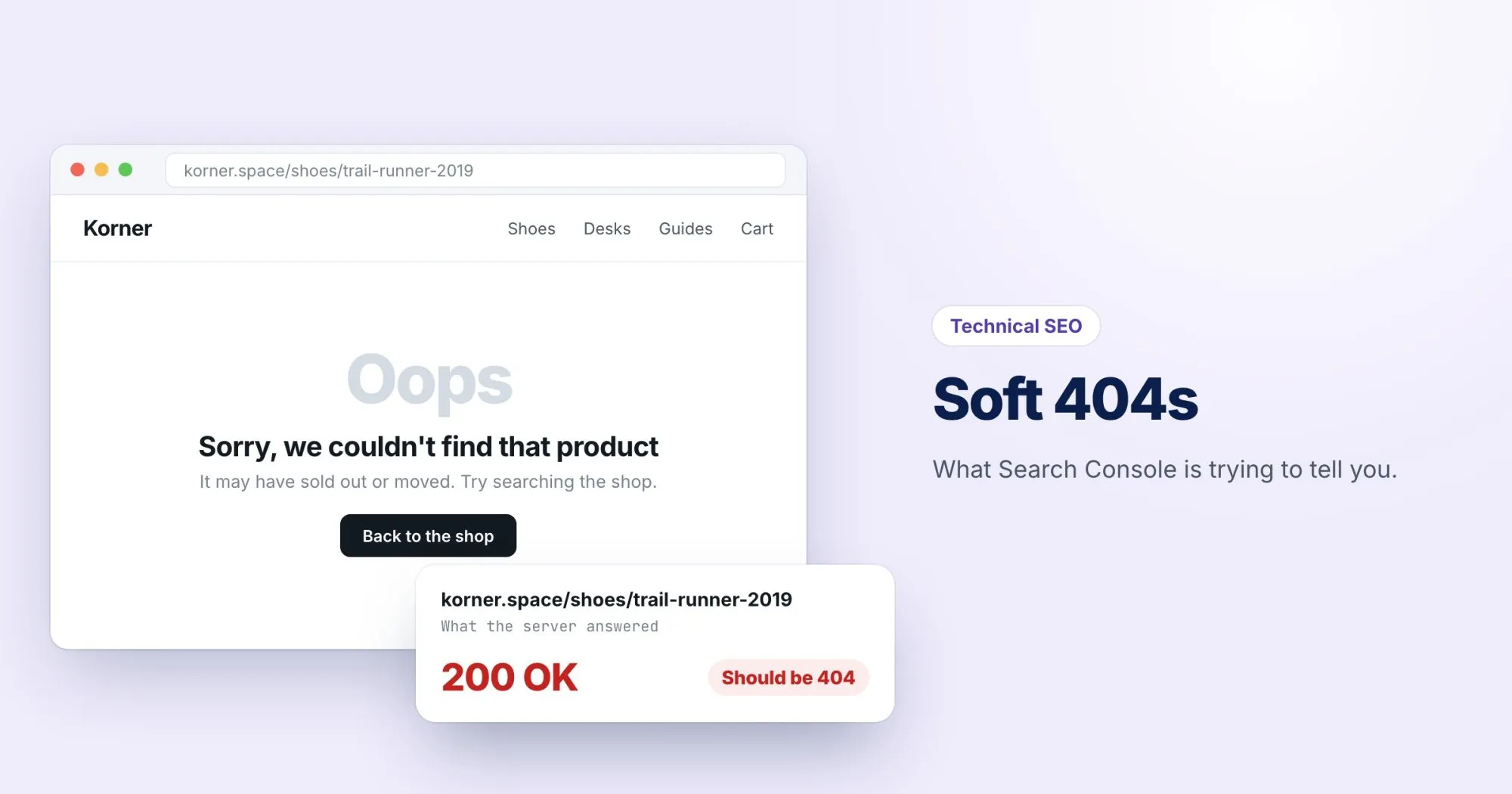
When a page doesn't exist, your server should answer with a 404 Not Found status code. Browsers show the friendly error page you designed; search engines read the status code and drop the URL.
A soft 404 is a page that says "not found" (or looks empty) but answers with 200 OK. People get the message. Search engines get a contradiction: a page that claims to exist, with nothing on it worth indexing.
Google eventually works it out and flags it, but in the meantime it's spending crawl time on pages that shouldn't be there.
Where they usually come from
- Empty search or filter results.
/search?q=xyzwith "No results found" and a 200. - Out-of-stock or discontinued products that now show a nearly blank template.
- A catch-all route in a single-page app that renders a "page not found" component without setting the status code. This is the most common one I see on modern sites.
- Thin pages that Google judges to have almost no content, even if they're intentional.
How to check a URL yourself
Your browser won't help here, because a 404 page and a 200 page can look identical. Ask for the headers instead:
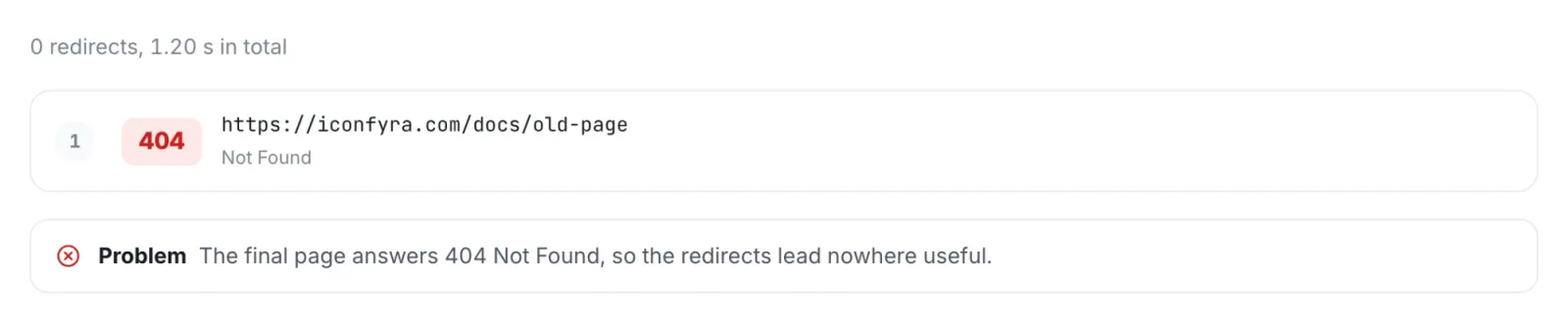
curl -sI https://webrankstats.com/some-missing-page | head -1If that prints HTTP/2 200 for a page that shouldn't exist, you've found a soft 404. You can also run the URL through our free redirect checker, which shows the status code for every step.
What to return instead
| The situation | The right response |
|---|---|
| The page never existed, or it's gone | 404 |
| It's gone for good and you want it dropped quickly | 410 Gone |
| It moved, or there's a close replacement | 301 redirect to the replacement |
| A product is temporarily out of stock | Keep the 200, keep the product details, and say when it's back |
| A search with no results | Keep the page useful, and add noindex to search result pages |
One thing to avoid: redirecting every missing page to your homepage. Google usually treats those as soft 404s too, because the homepage isn't a real replacement for the page someone asked for.
Fixing it in a JavaScript app
If your site is a single-page app, the server usually returns the same HTML shell with a 200 for every URL, and the "not found" message is drawn by JavaScript. The fix has to happen on the server: it needs to know which routes are real and answer 404 for the rest. Most frameworks with server rendering support this directly; check the docs for "not found" or "404 status".
After you fix them
Go back to the Soft 404 list in Search Console and click Validate fix. Google will recrawl the URLs over the next few weeks. Don't worry if the number doesn't drop overnight. It's working through them.