When a page is slow, people tend to blame the JavaScript, the hosting or the theme. Sometimes they're right. But on a lot of the pages we look at, the heaviest thing a visitor downloads is simply the images.
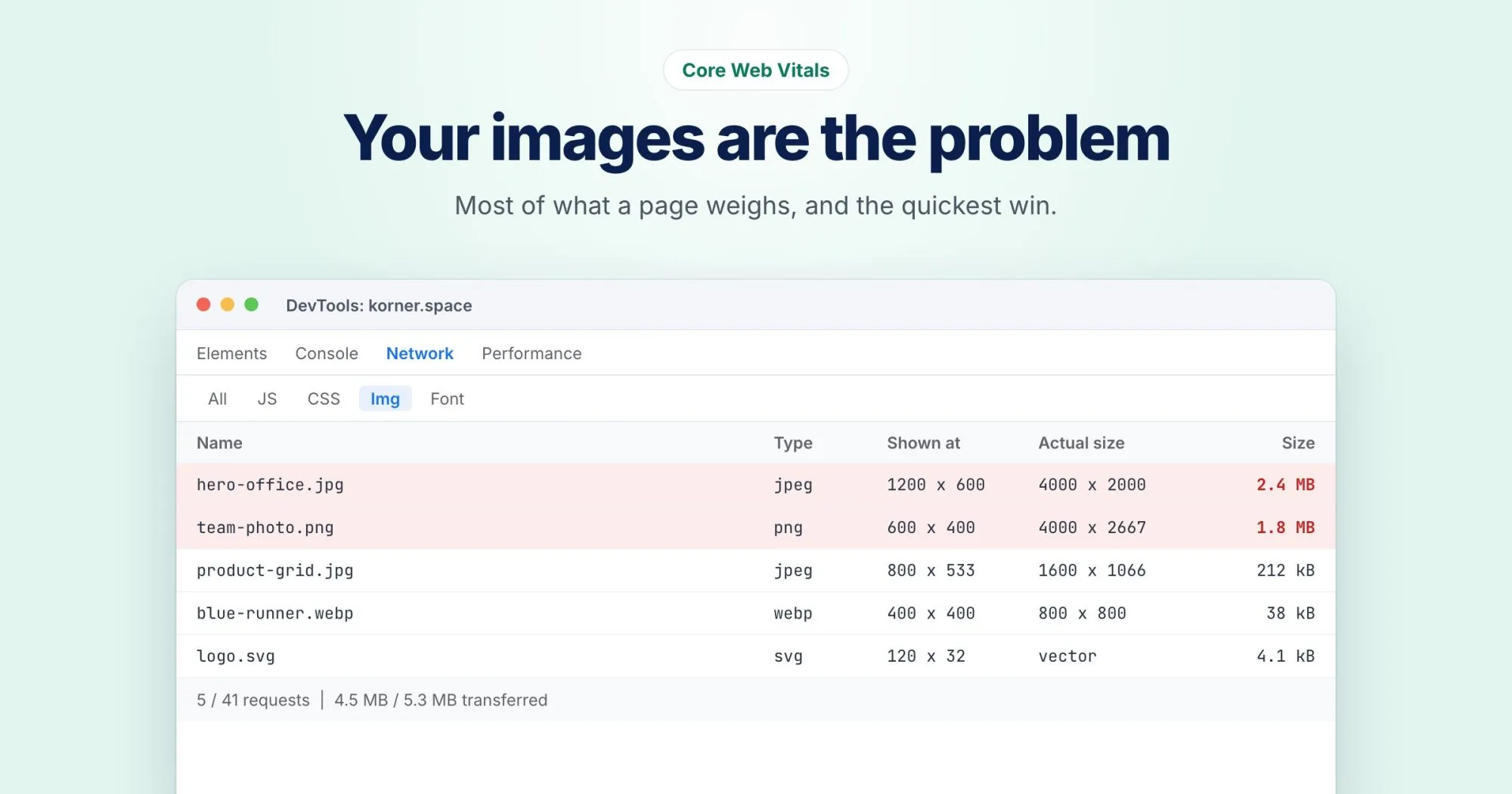
The frustrating part is that much of that weight is invisible. A photo displayed 600 pixels wide is often uploaded at 4,000 pixels, straight from a camera or a design tool. The browser downloads every one of those pixels and then shrinks the image down to fit.
How to see the problem
Open your page in Chrome, open DevTools, and go to the Network tab. Filter by Img and reload. Sort by size. If the top of the list has images measured in megabytes, you've found your quickest win.
Then hover over one of those images in the Elements panel. Chrome shows its rendered size next to its intrinsic size. If it's drawn at 600 by 400 and the file is 4,000 by 2,667, nearly all of that download is wasted.
The four fixes, in order of payoff
1. Resize to the size you actually show
Export images at about twice the width they're displayed, so they stay sharp on high-resolution screens, and no larger. An image shown at 600 pixels wide needs to be about 1,200. This one change often cuts image weight by more than half.
2. Use a modern format
WebP and AVIF are typically much smaller than an equivalent JPEG or PNG at the same visual quality. Every current browser supports WebP. If your CMS or CDN can convert automatically, turn it on.
3. Lazy load what's below the fold
Images further down the page don't need to load before the visitor scrolls to them. One attribute does it:
<img src="team.webp" alt="Our team" width="1200" height="800" loading="lazy">4. Always set width and height
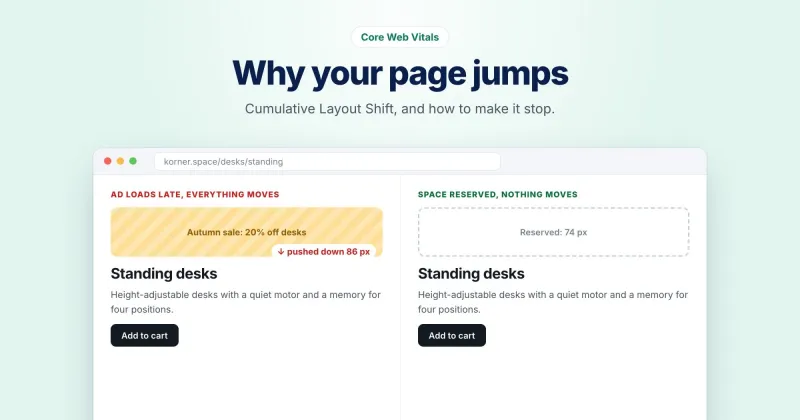
Without dimensions, the browser doesn't know how much space to reserve, so the page jumps as images arrive. That jumping is measured as Cumulative Layout Shift, another Core Web Vital. Setting width and height (or an aspect-ratio in CSS) fixes it.
The one image you should never lazy load
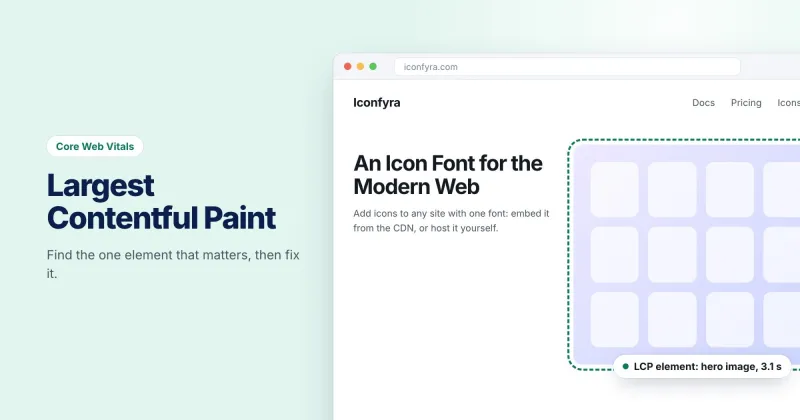
The biggest image at the top of the page, usually a hero photo, is very often your Largest Contentful Paint element. Lazy loading it tells the browser to wait, which makes LCP worse.
Do the opposite for that one image and tell the browser it's important:
<img src="hero.webp" alt="..." width="1600" height="900" fetchpriority="high">Don't forget the images you don't see
Background images in CSS, icon sprites and images inside sliders all count too. Sliders are a particular culprit: five full-size images, loaded up front, for a carousel most people never click through.
If you'd like a list for a specific page, the Links, media & schema section of a WebRankPage report flags images missing width and height, missing alt text or responsive sizes, still in older formats, and lazy loaded when they shouldn't be.