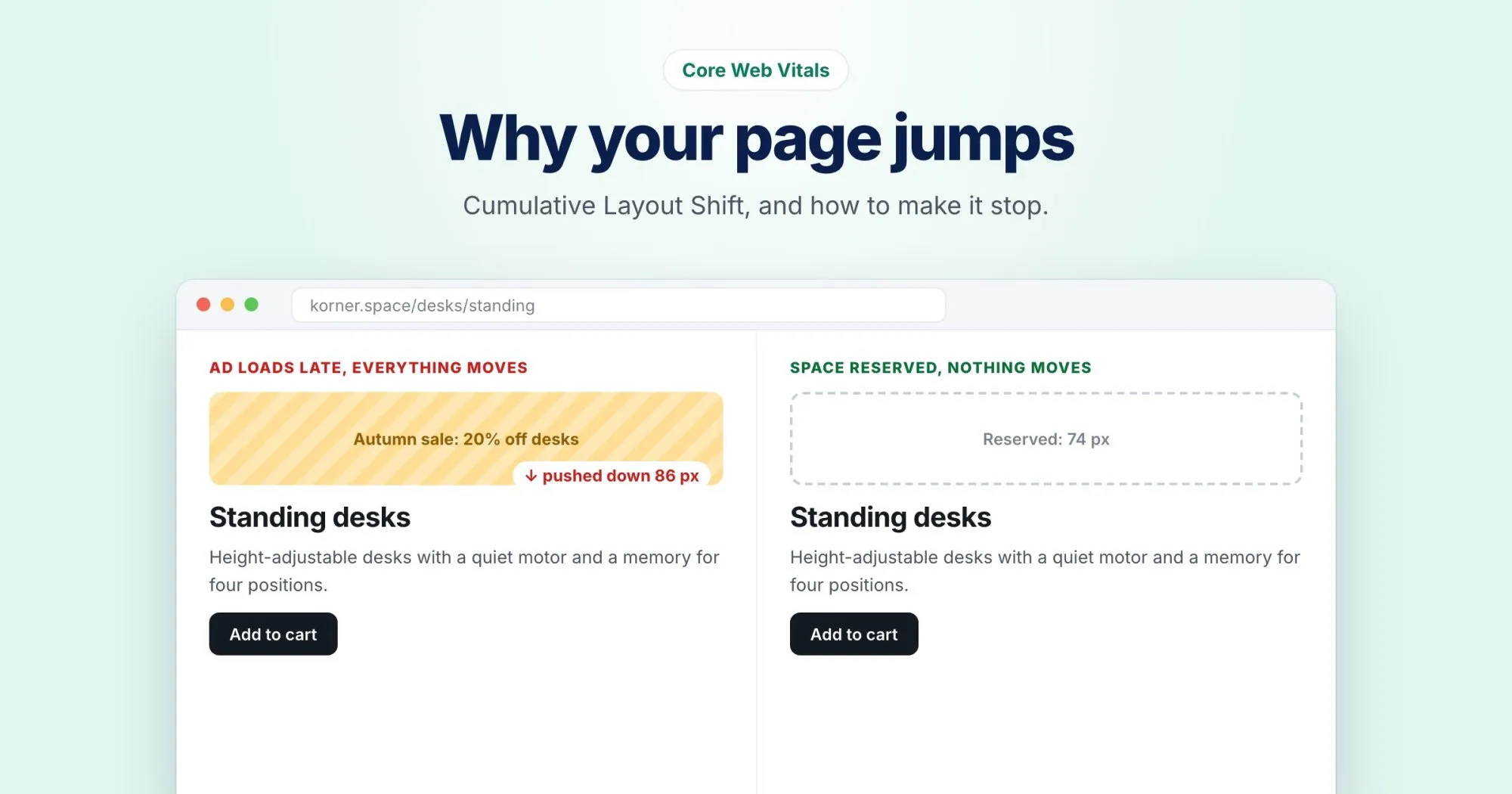
You go to tap "Add to cart", and a banner slides in above it a fraction of a second earlier. You tap "Remove" instead. Everyone has had this happen, and it's exactly what Cumulative Layout Shift measures: how much visible content moves on its own while someone is trying to use the page.
Of the three Core Web Vitals, it's the one I find most satisfying to fix, because the causes are almost always physical and visible. Something arrived late and pushed something else out of the way.
The numbers
Google rates CLS of 0.1 or less as good and above 0.25 as poor, measured at the 75th percentile of real visits. The score is unitless: it combines how much of the screen moved with how far it moved. Shifts that happen right after a click or a key press don't count, because the visitor asked for them.
Find the shift before fixing anything
Guessing wastes time. In Chrome DevTools, open the Performance panel, record a page load, and look at the Layout shifts track. Each cluster of shifts is marked on the timeline, and selecting one highlights the elements that moved. Throttle the network while you record: on a fast connection, late content often arrives before the first paint and the problem hides.
The element that moved is rarely the culprit. Look at what appeared just above it.
The usual four causes
Images and video without dimensions
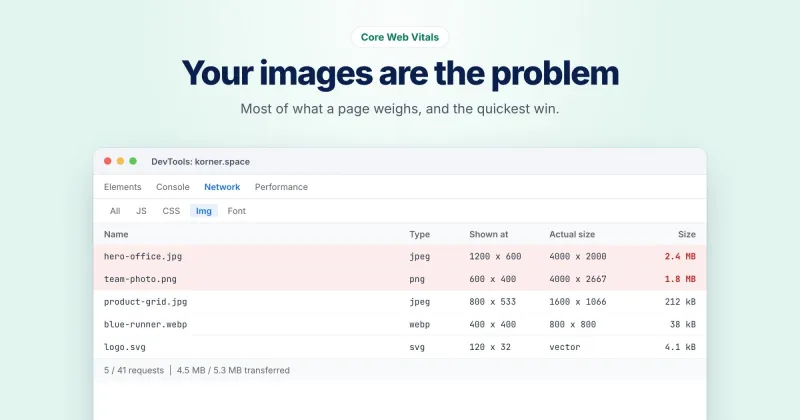
The browser can't reserve space for something it doesn't know the size of. Add width and height attributes, or an aspect-ratio in CSS. I covered this in the post on image weight, so I'll leave it there.
Ads, embeds and widgets with no reserved slot
A cookie banner, a review widget, a newsletter box or an ad that loads after the page is the classic case. Give the container a fixed minimum height before its content arrives:
.reviews-widget {
  min-height: 320px;
}
If the content might not load at all, a reserved empty box is still better than a jump. For banners, overlay them at the bottom of the screen rather than pushing the page down from the top.
Web fonts that swap in late
When a fallback font is replaced by your web font, lines rewrap and paragraphs change height. Two fixes help. Preload the one or two fonts used above the fold. Then make the fallback match the web font's size with size-adjust and the related metric overrides, so the swap barely moves anything:
@font-face {
  font-family: "Body Fallback";
  src: local("Arial");
  size-adjust: 104%;
}
The right percentage depends on your font, so test it. If a perfect match isn't worth the effort, font-display: optional avoids the swap entirely on slow loads, at the cost of sometimes showing the fallback.
Content injected above what's already there
A "free shipping" bar that appears after a script decides whether to show it, or a list that loads its first item late. On korner.space, a promo strip like that above the product grid would push every shoe and desk down at once. Render it on the server, reserve its space, or put it somewhere that doesn't push anything.
Animate with transform
Animations that change top, height or margin move the layout and can count as shifts. Animations using transform don't. A sliding panel built on transform: translateY() looks the same and costs nothing in CLS.
Where to read your score
Look under Speed & delivery in a WebRankPage report: CLS is there, with a note on whether it comes from real-user data or a lab run, which matters here more than for most metrics. A lab load doesn't scroll, click or wait for the late chat widget, so it can look perfect while real visitors keep tapping the wrong button.