Last week I wrote about INP, the Core Web Vital most sites now struggle with. This week it's the one that's been around longest and still trips people up: Largest Contentful Paint.
The thing that makes LCP easier than it looks is that it's about a single element. Not the whole page, not every image, not your JavaScript bundle in general. One element. Once you know which one it is, the fix is usually obvious.
What LCP measures
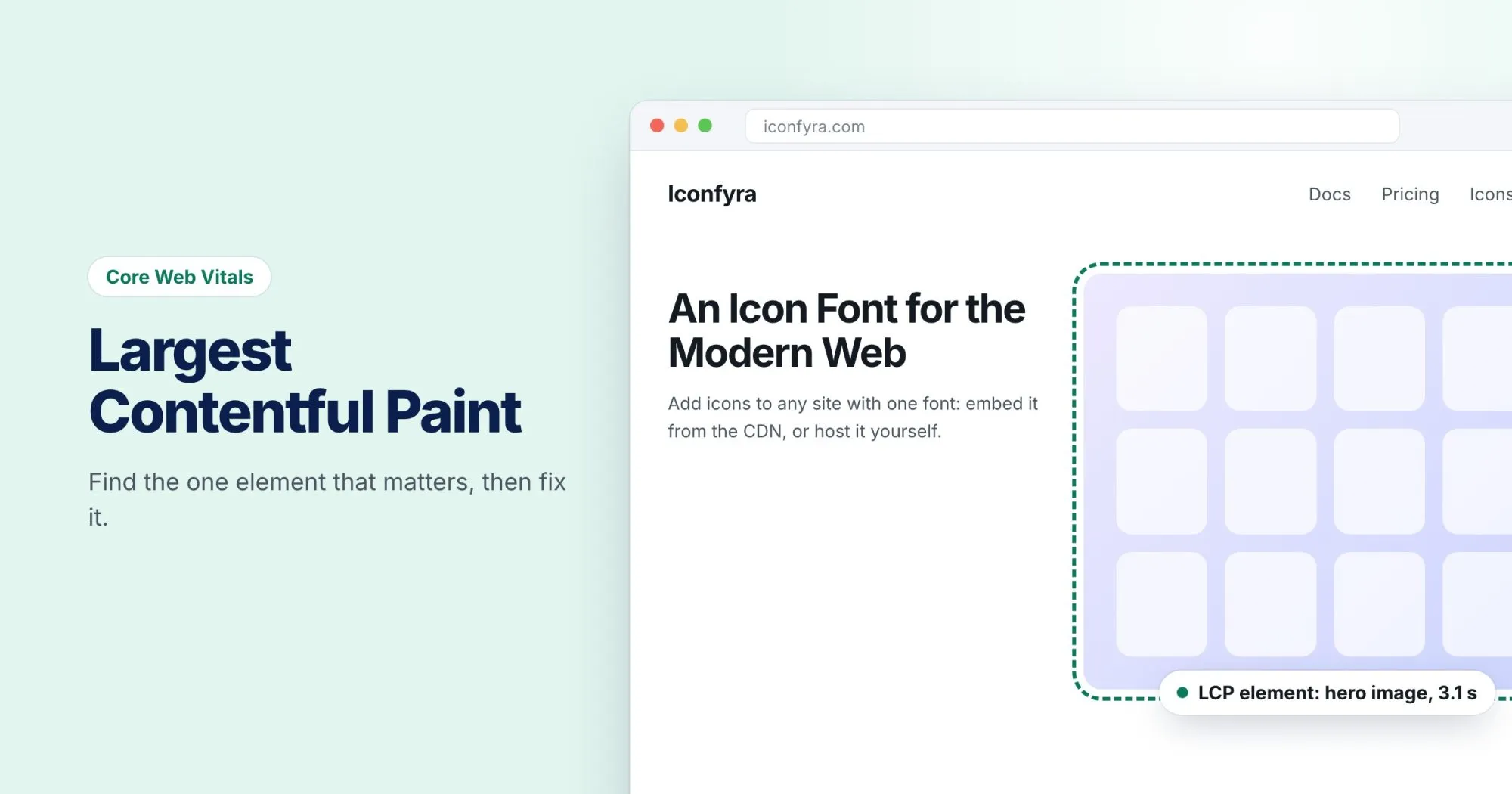
LCP is the time from when someone starts loading your page to when the largest piece of content in their viewport is drawn on screen. That's usually a hero image, a large heading, or a big block of text near the top.
Google's thresholds:
| LCP | Rating |
|---|---|
| 2.5 seconds or less | Good |
| 2.5 to 4 seconds | Needs improvement |
| Over 4 seconds | Poor |
Step 1: Find your LCP element
Open your page in Chrome, open DevTools, go to the Performance panel, and record a page load. In the timeline you'll see an LCP marker. Click it, and DevTools highlights the exact element.
PageSpeed Insights shows it too, under the "Largest Contentful Paint element" diagnostic.
Note that it can differ between mobile and desktop. On a phone, the LCP element is often a heading because the hero image is pushed below the fold.
Step 2: Work out why it's slow
An LCP delay almost always comes from one of four places:
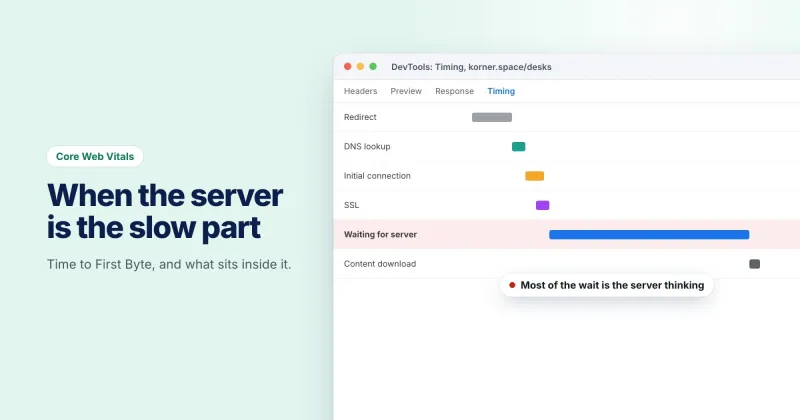
- The server is slow to respond. If the HTML itself takes a second to arrive, nothing can start until it does. Look at Time to First Byte.
- Something blocks rendering. CSS and synchronous scripts in the
<head>must finish before the browser draws anything. - The element is discovered late. A hero image set as a CSS background, or inserted by JavaScript, isn't found until the browser has done a lot of other work first.
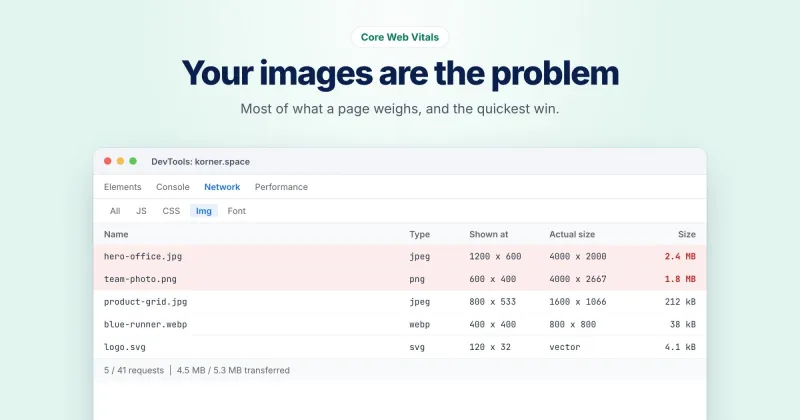
- The element is just heavy. A 2 MB hero image takes time to download, however early it starts.
Step 3: Fix the right thing
If it's an image
Make sure it's a real <img> in the HTML, not a CSS background or something added by a script. Tell the browser it matters, and never lazy load it:
<img src="hero.webp" alt="..." width="1600" height="900" fetchpriority="high">Then make it smaller: the right dimensions and a modern format like WebP. Ashwini's post on image weight covers this in detail.
If it's text
Text LCP is usually held up by web fonts. If the browser waits for a custom font before drawing a heading, LCP waits too. font-display: swap lets it draw with a fallback font first.
If it's render-blocking resources
Add defer to scripts that don't need to run before the page appears, and keep the CSS needed for the top of the page small.
If it's the server
Caching, a CDN, or a faster host. No amount of front-end tuning can make up for HTML that takes two seconds to arrive.
Check lab and field
A lab test (Lighthouse, PageSpeed's lab section) tells you whether your fix works. Field data (real visitors, shown in Search Console) tells you whether it worked for people on real phones and real networks. You need both, and field data takes a few weeks to catch up.
WebRankPage reports show your LCP alongside the things that usually cause a slow one, like render-blocking resources and a slow server response, and say clearly whether each number comes from real visitors or a lab test.