Most SEO disasters aren't strategy mistakes. They're deploys. A staging setting that ships to production with noindex on every page. A template refactor that drops the canonical. A new layout that leaves the title blank.
Nobody notices for a while, because the site looks fine. Then traffic falls off a cliff and someone spends a week working out why.
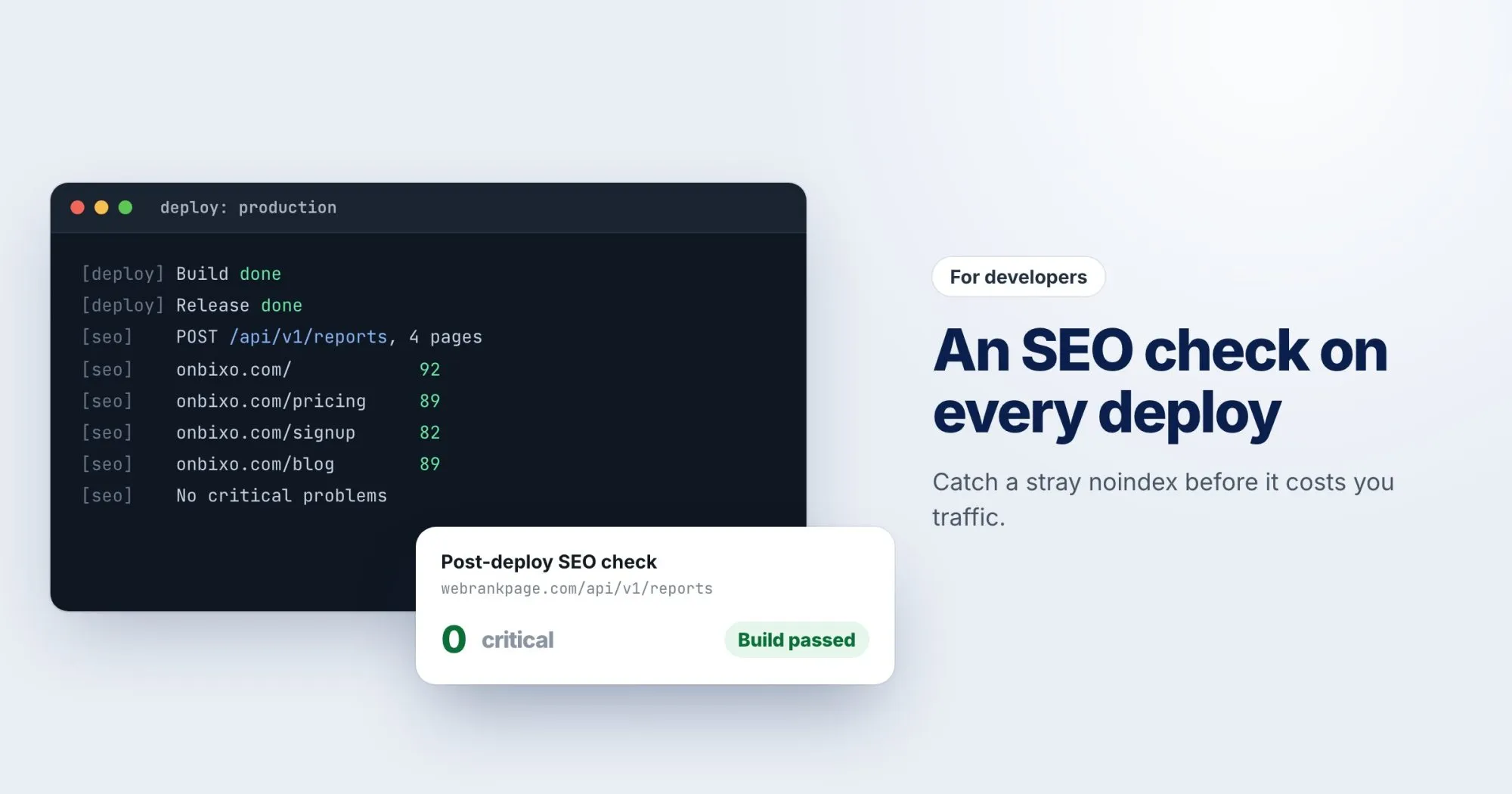
You can catch most of this automatically. Here's how to check your key pages after every deploy using the WebRankPage API.
Get a key
In your dashboard, open API keys and choose New key. Copy it straight away, because it's only shown once. A key belongs to one workspace and spends that account's monthly allowance, so treat it like a password and keep it in your CI's secret store.
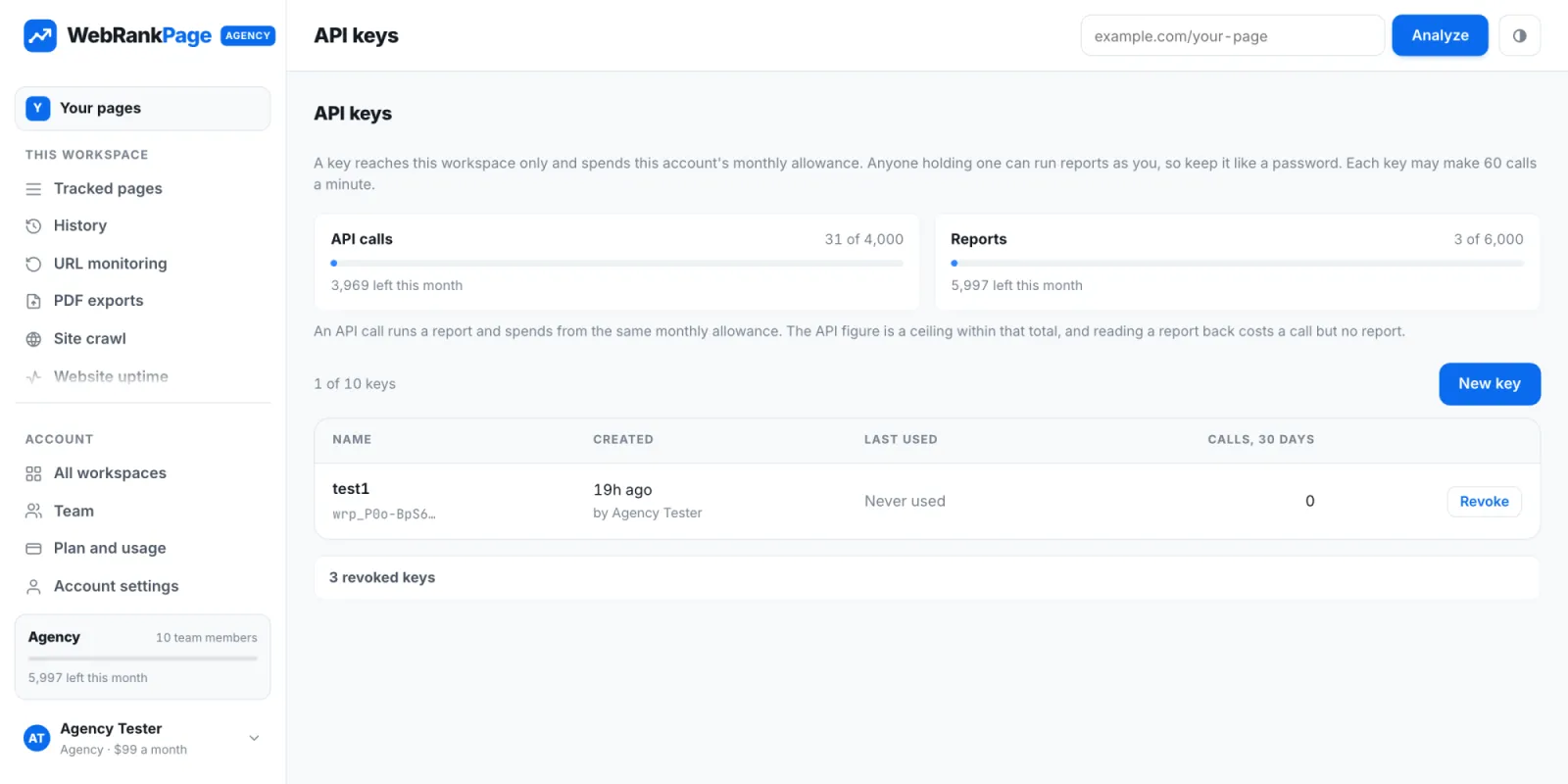
Every request sends it as a bearer token. A quick way to check it works:
curl https://webrankpage.com/api/v1/me \
  -H "Authorization: Bearer $WRP_KEY"
Start a report
Creating a report queues the analysis and answers straight away with 202 Accepted:
curl -X POST https://webrankpage.com/api/v1/reports \
  -H "Authorization: Bearer $WRP_KEY" \
  -H "Content-Type: application/json" \
-d '{"url": "https://onbixo.com/pricing"}'{
"report": {
"key": "abc123",
"url": "https://onbixo.com/pricing",
"status": "queued"
}
}Then poll GET /api/v1/reports/{key} until it's complete. Reading a report back costs an API call but not a report from your allowance.
A post-deploy check
Here's the shape of a small script you can run as the last step of a deploy. It analyzes a handful of important pages and fails the build if one of them has a critical problem:
#!/usr/bin/env bash
set -euo pipefail

PAGES=(
  "https://onbixo.com/"
  "https://onbixo.com/pricing"
  "https://onbixo.com/signup"
)

for url in "${PAGES[@]}"; do
  key=$(curl -s -X POST https://webrankpage.com/api/v1/reports \
    -H "Authorization: Bearer $WRP_KEY" \
    -H "Content-Type: application/json" \
    -d "{\"url\": \"$url\"}" | jq -r '.report.key')

  echo "Queued $url as $key"
  # Poll /api/v1/reports/$key until it is complete,
  # then fail the build if it has critical findings.
done
The exact response fields are in the API documentation, with sample responses.
Pick the right pages
You don't need to check every page on every deploy. Choose the ones where a mistake would hurt most: the homepage, your top landing pages, and one page from each template (a product page, a blog post, a category page). If a template breaks, one page from it is enough to catch it.
Limits worth knowing
- Each key can make 60 calls a minute. That's set to catch a runaway loop, not to slow down normal use.
- Monthly totals depend on your plan, and the API needs a plan that includes it.
- Errors always come back as JSON with a stable code, so your script can branch on them rather than parsing messages.
Beyond deploys
The same API also reads your tracked pages, site crawls and uptime monitors, so you can pull WebRankPage data into your own dashboards. But if you only set up one thing, make it the post-deploy check. It's the cheapest insurance you'll ever buy against a bad Friday afternoon.