Marketing teams spend months chasing backlinks, and for good reason: they're hard to get and they matter. Meanwhile, the links on their own site, the ones they fully control, often get no thought at all.
That's a missed opportunity. Internal links are one of the few SEO levers you can pull today, without asking anyone's permission.
What internal links actually do
Every internal link does three jobs at once:
- Discovery. It tells crawlers a page exists. A page with no links pointing to it is hard to find.
- Context. The link text tells search engines what the target page is about.
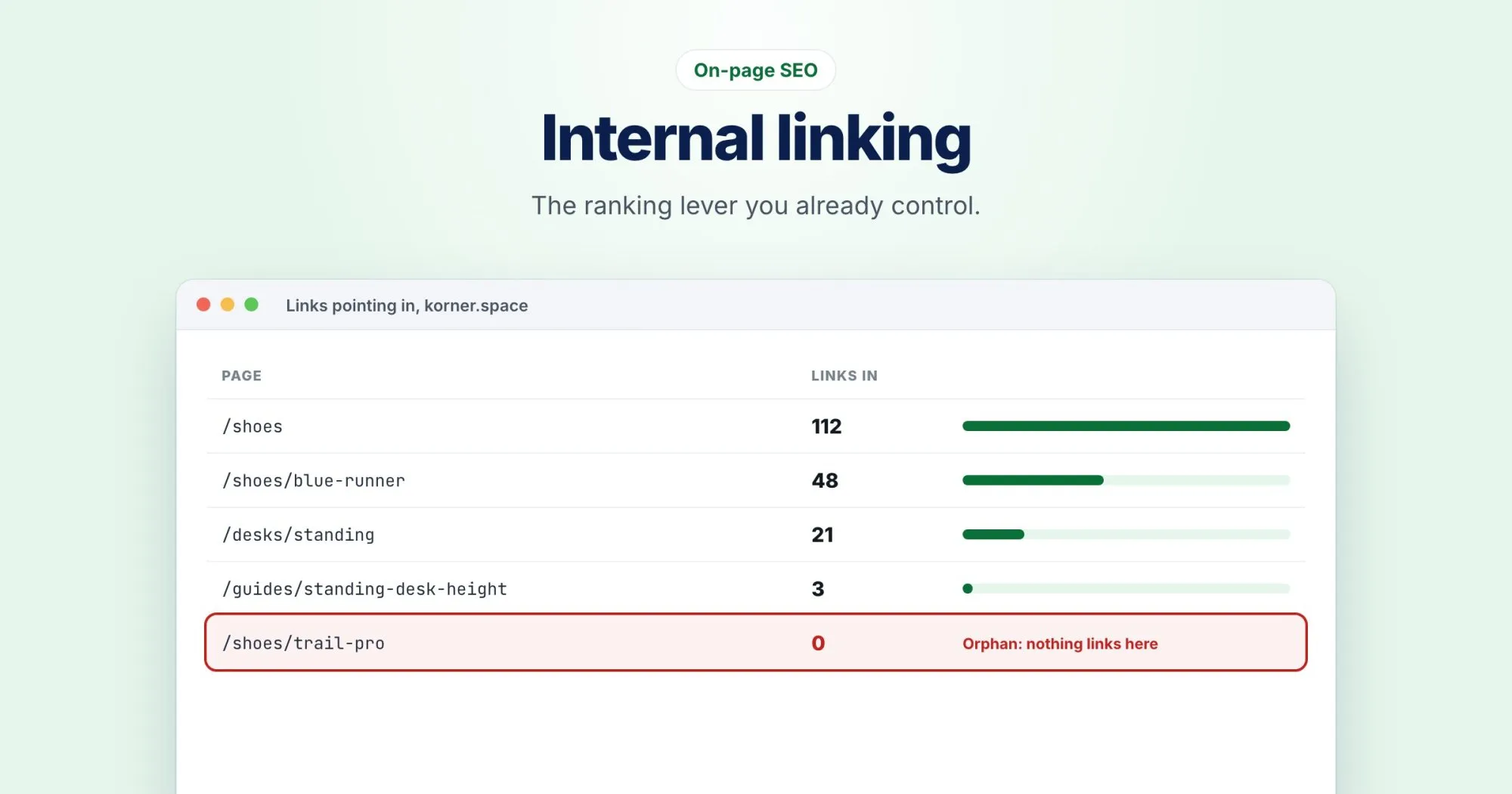
- Priority. Pages that many other pages link to look more important than pages hardly anyone links to.
Start with the pages that matter most
Don't try to fix internal linking across a whole site at once. Pick the five or ten pages that matter most to your business: your main product pages, your best guides, the pages that bring in leads.
Then ask two questions about each one:
- How many other pages link to it?
- Do any of your strongest pages (the homepage, your most visited articles) link to it?
If the answer to the second question is no, that's your first job.
Write link text that says something
"Click here" and "read more" tell nobody anything. Compare:
| Vague | Descriptive |
|---|---|
| To learn more, click here. | See our guide to fixing redirect chains. |
| We offer many services. Read more. | We also offer monthly SEO audits for agencies. |
Descriptive doesn't mean stuffing the exact keyword into every link. Vary it naturally, the way you'd describe the page to a person.
Link where it helps the reader
The best internal links are the ones a reader would actually want. If an article mentions Core Web Vitals and you have a good explainer on them, link it right there in the sentence. A link in context is worth more, to readers and to search engines, than a list of "related posts" at the bottom.
Find your orphans
An orphan page is one that exists, often in your sitemap, but that no other page links to. They're more common than you'd think: old landing pages, campaign pages, articles that were never linked from anywhere after launch.
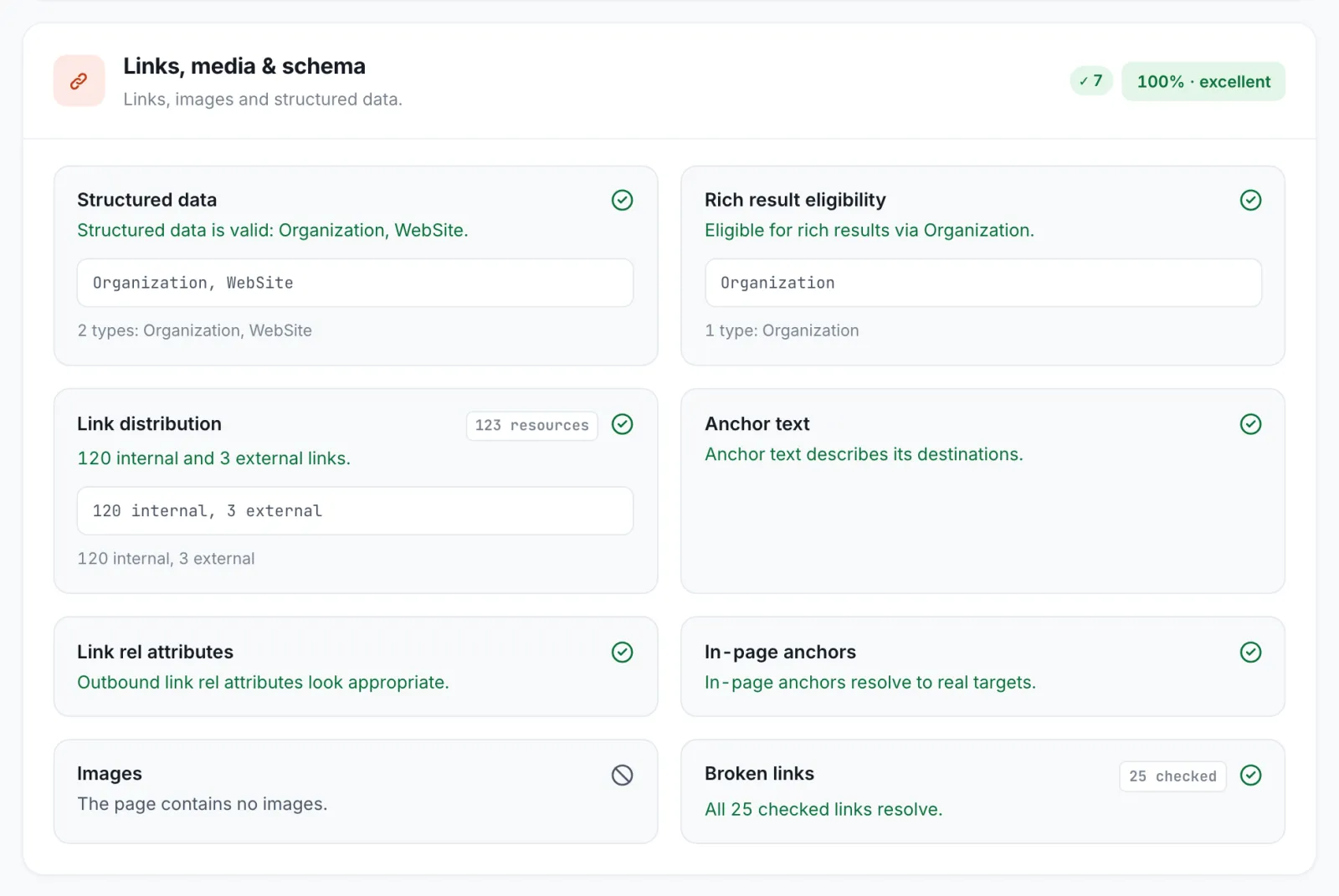
For each orphan, decide: is it worth keeping? If yes, link to it from two or three related pages. If not, remove it or redirect it somewhere useful.
A WebRankPage site crawl lists orphans for you, as pages in your sitemap that nothing links to, so you don't have to find them by hand.
Keep important pages close to home
As a rule of thumb, your important pages should be reachable within three clicks of the homepage. If someone has to go Home, then Blog, then page 7 of the archive, then the article, so does a crawler.
A habit, not a project
The best internal linking happens as you publish. Every time a new article goes live, add a link to it from one or two older, related articles. It takes five minutes, and over a year it adds up to a site that's genuinely well connected.