Talk to anyone who runs SEO for clients and you'll hear the same complaint sooner or later: the reporting takes as long as the work. Screenshots from five tools pasted into slides, numbers that don't quite match, a deck nobody reads past page three.
A lot of my week is spent talking with agencies who use WebRankPage, and the ones who've got this under control tend to do a few things the same way. Here's what they do.
1. Keep every client separate from day one
The easiest way to make reporting painful is to mix clients together. One big list of tracked pages, one shared login, and a spreadsheet to remember which URL belongs to whom.
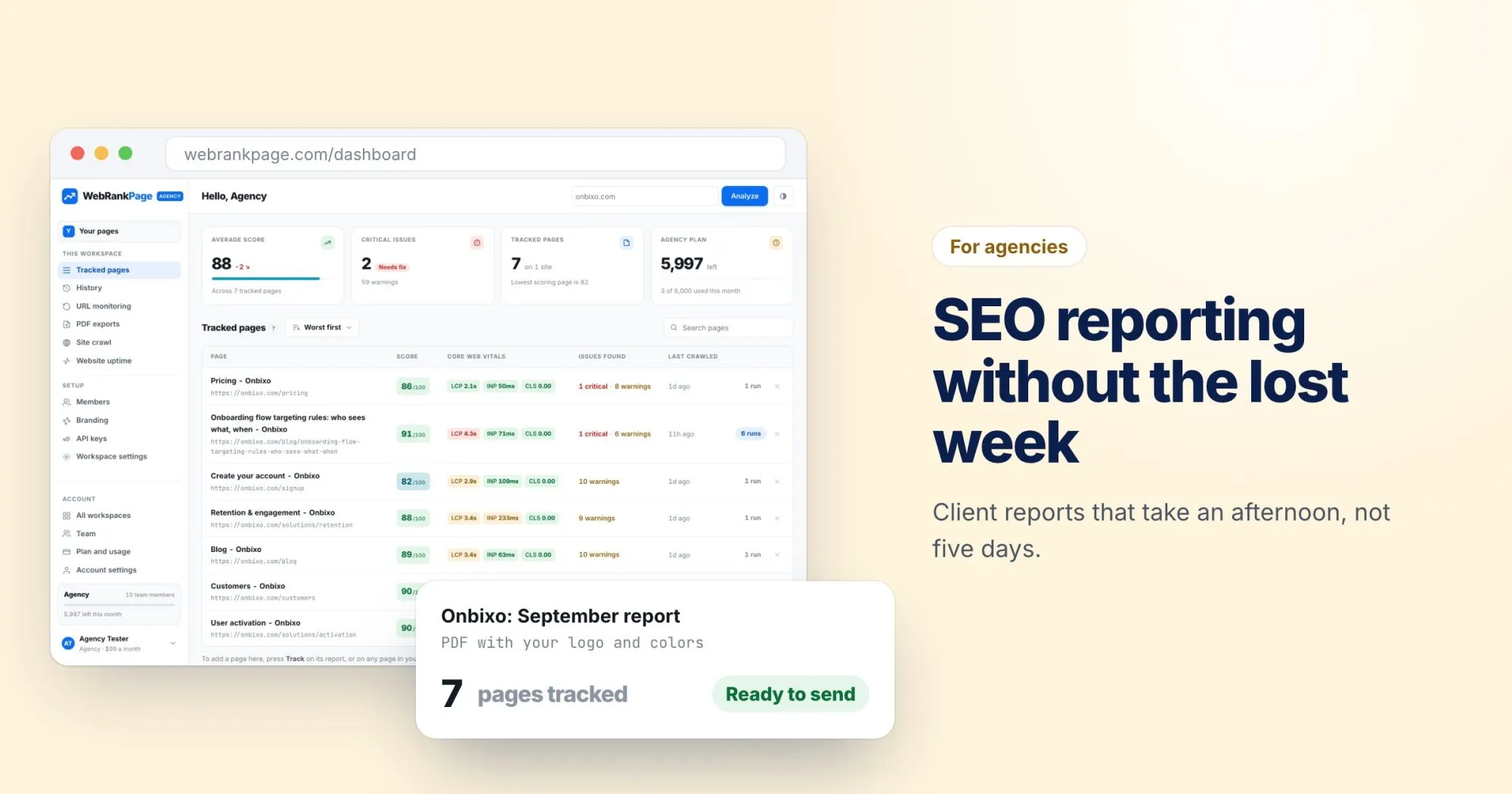
In WebRankPage, each client gets their own workspace: their own tracked pages, history, crawls, monitors and branding. When it's time to report on a client, everything you need is already in one place, and nothing from another client can slip into their PDF by accident.
2. Give people access, not passwords
Shared logins are how a freelancer who left six months ago still has access to every client. Invite the people who work on each account instead.
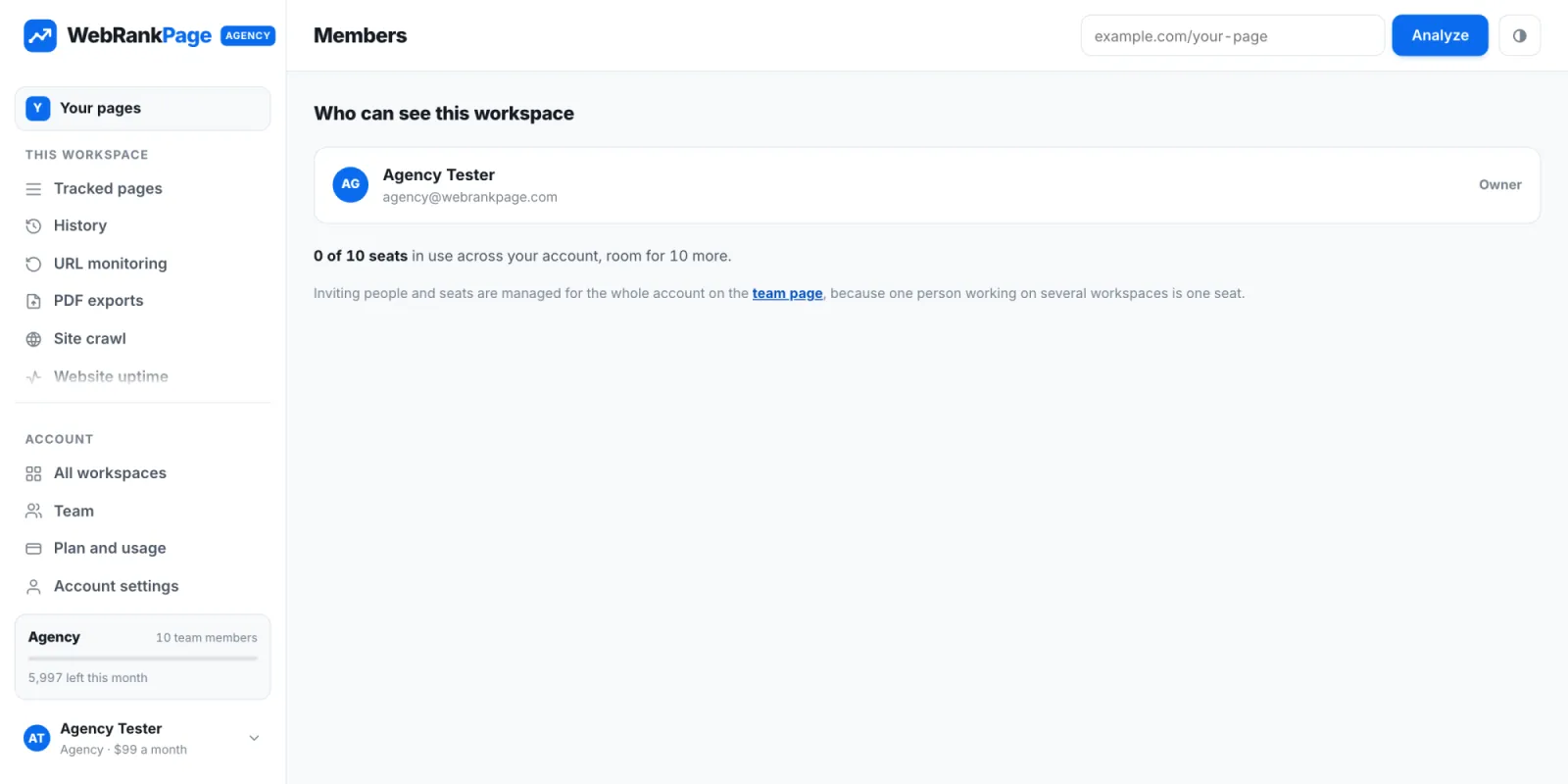
Seats are counted across the whole account, so someone working on five clients takes one seat, not five.
3. Report on change, not on a snapshot
A client doesn't really care that their homepage scores 84. They care whether it's better than last month, and whether the work they're paying for is making a difference.
So track the pages that matter for each client and re-run them on a schedule. The history then shows the before and after for every page, which is the most convincing thing you can put in front of a client.
4. Lead with three things
The reports that get read follow the same shape:
- What we did this month, in plain language.
- What changed as a result, with the numbers.
- What we'll do next, and why it's the most valuable next step.
Everything else, the full list of findings, the technical details, goes in an appendix for the client's developer.
5. Put your name on it
On Pro and above, the PDF report carries your name, logo, accent color, contact line and footer, with an opening and closing note and the client's name on the cover. The client gets a report from you, not from a tool they've never heard of.
We deliberately keep the severity colors the same in branded reports. Red for critical and green for passing are conventions your client already reads, and a report that looked on-brand but read wrong would do more harm than good.
6. Catch problems before the client does
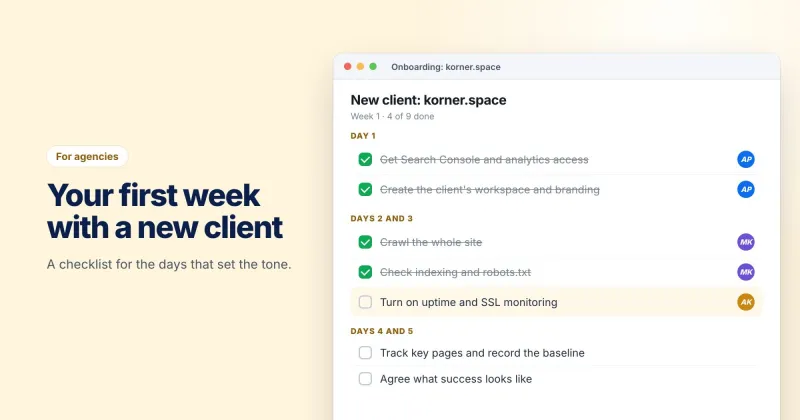
Nothing damages trust like a client emailing to say their site is down, or that their browser is showing a certificate warning. Uptime and SSL monitoring for each client's domain means you hear about it first and can say "we're already on it".
An afternoon, not a week
Once this is set up, the monthly report is mostly writing the three-part summary and exporting the PDF. If you're spending longer than an afternoon per client on reporting, I'd genuinely like to hear about it. Write to me, and tell me where the time goes.