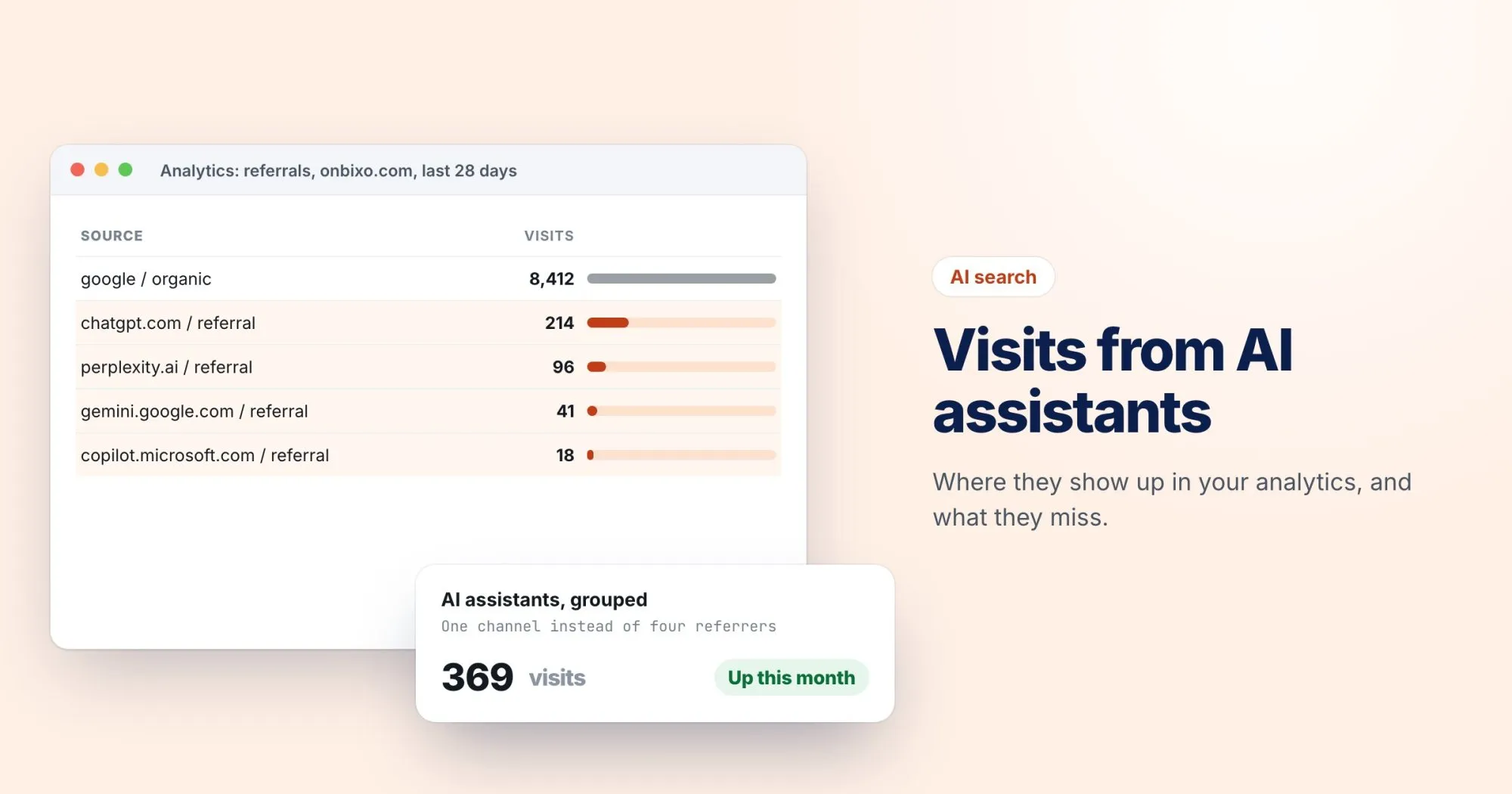
If you've wondered whether AI assistants send you any traffic, the answer is probably already sitting in your analytics. It's just scattered across the Referral report, one small line per assistant, where nobody adds it up.
I've written before about which pages assistants quote. This post is the other half: once they quote you, how do you count the people who click?
What arrives in your analytics
When someone clicks a cited link in an assistant's web interface, the browser usually sends a referrer, the same way it does for any other site. These are the sources I see most often:
chatgpt.comfor ChatGPT, and occasionally the olderchat.openai.comperplexity.aicopilot.microsoft.comgemini.google.comclaude.ai
ChatGPT also adds utm_source=chatgpt.com to many of the links it shows. That helps a lot, because the parameter survives in situations where the referrer doesn't, such as a link opened from a mobile app.
These domains and parameters belong to the assistants, not to you, and they have changed before. Check your own Referral report every few months for new names rather than treating any list, including this one, as final.
Give AI its own channel in GA4
A custom channel group lets you report AI assistants as a channel next to Organic Search and Referral. In GA4, go to Admin, then Data display, then Channel groups, and create a new group (it starts as a copy of the default one).
Add a channel called "AI assistants" with a condition on Source that matches this regex:
chatgpt\.com|chat\.openai\.com|perplexity\.ai|copilot\.microsoft\.com|gemini\.google\.com|claude\.aiThen move the new channel above Referral in the list. Channels are matched from the top, so if Referral comes first it claims these visits before your rule ever sees them.
If you'd rather not touch channel groups, the same regex works as a filter on Session source in an Exploration, or as a segment.
Which pages get the visits
Once the channel exists, add Landing page as a secondary dimension. It usually looks different from your organic list. Assistants tend to send people to pages that answer one specific question well: a comparison, a how-to, a pricing page, a docs article. Your home page may barely appear.
That list is the most useful thing in this whole exercise. It tells you which kind of page assistants trust you for, and where to put your effort next.
What you can't see
Be honest with yourself, and with anyone you report to, about how much is missing:
- Answers without a click. The assistant quotes you, the person reads the answer, and nobody visits. That influence never reaches your analytics.
- Copied links. Someone copies your URL from an answer and pastes it into a new tab or a message. It arrives as Direct.
- Apps that drop the referrer. Desktop and mobile apps don't always pass one along. The UTM parameter rescues some of these, but only where the assistant adds it.
- AI inside search engines. Clicks from Google's AI features generally come through as ordinary Google organic traffic, so they won't show up in your new channel at all.
So treat the AI channel as a floor, not a total. Real influence is larger than what you can count.
What to watch over time
A single month tells you little. Look at the trend over a quarter, the landing pages that keep appearing, and how engaged those visitors are compared with organic search. If a page earns AI visits steadily, keep it accurate and up to date, because a stale answer is the quickest way to stop being quoted.
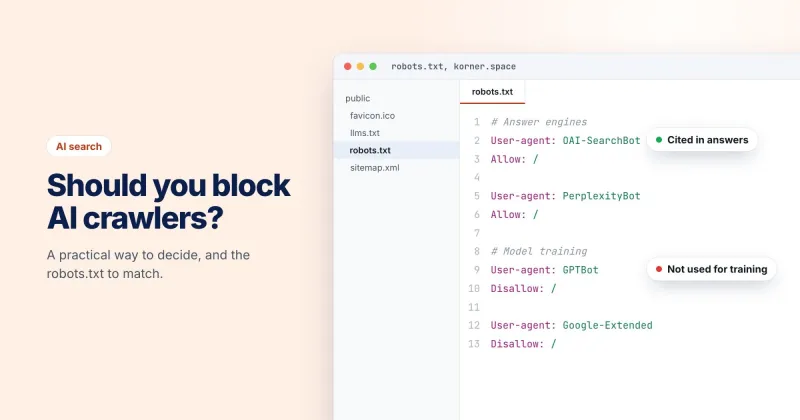
And if the channel stays empty for months, check that assistants can reach you at all. Our robots.txt tester shows whether a given AI crawler is allowed, and Ashwini's post on blocking AI crawlers covers whether it should be.